31.1 Enterprise Manager Overview
Enterprise Manager is the administration tool of an Acinta project: users, distributions, project languages and Acinta Server. It logs in to a project like Datashop and Modeller do – see 4.1 Signing In and Choosing a Project.
The Window
The buttons on the left switch between four pages; changes are saved immediately – there is no Save command.
| Page | What you do there |
|---|---|
| Users | Create and edit users – see 32.1 Users |
| Distributions | See, open and delete distributions, and organize them in folders |
| Languages | Choose the project's languages |
| Server | Start and stop Acinta Server, and set up mail |
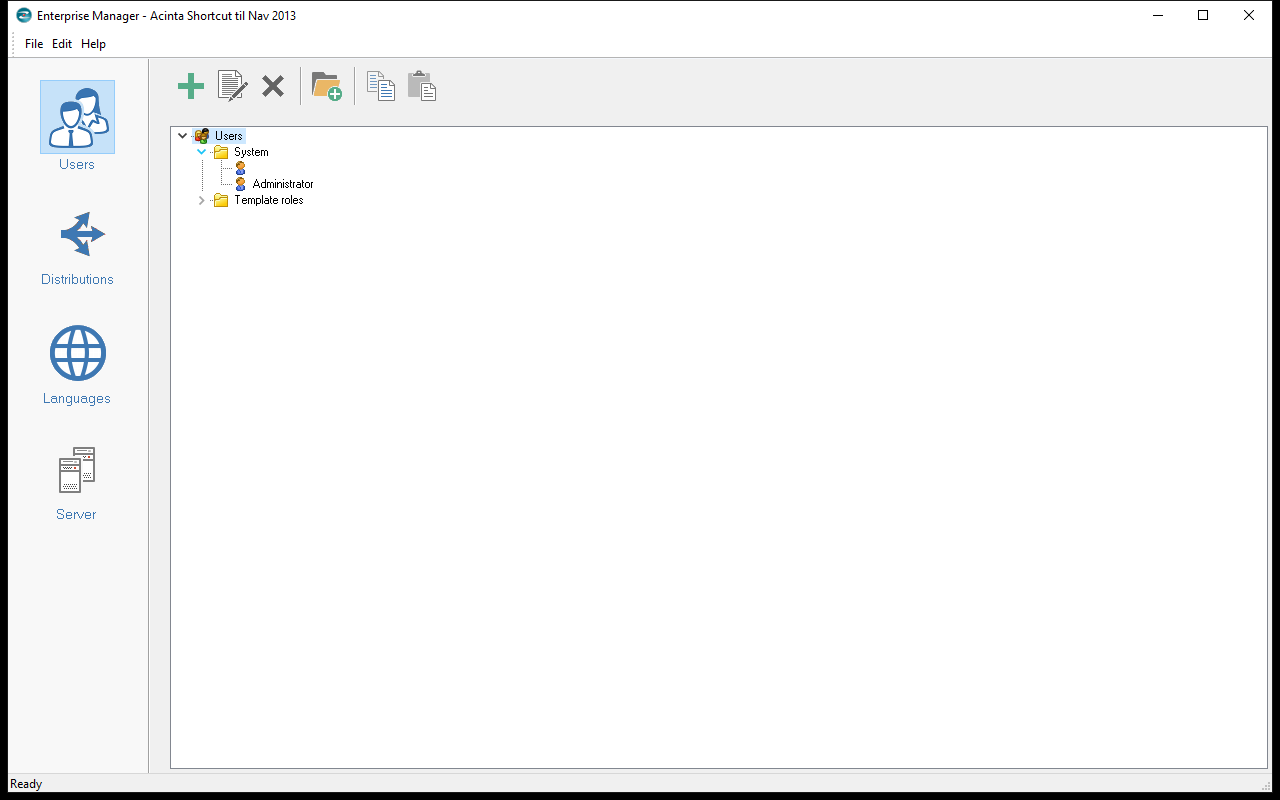 The Users page: users in folders, with System holding the Administrator.
The File, Edit and Help menus hold the same commands: New... (Ctrl+U), Properties (Alt+Enter), Rename (F2), Delete, Copy, Paste.
Distributions
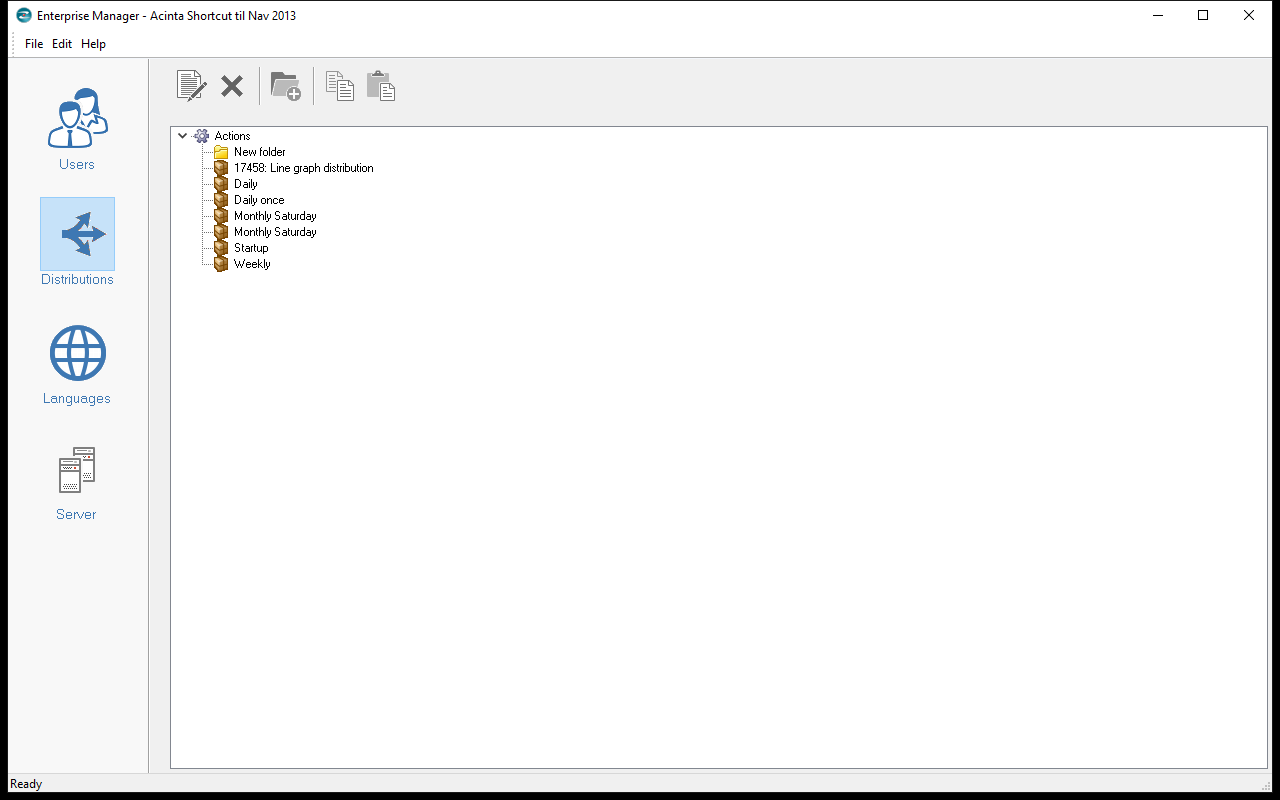
The page lists the project's distributions in folders. Double-click one (or Properties) to open the distribution editor – see Chapter 18 Distributions. Right-click a folder → New... to create one.
Distributions can't be renamed in Enterprise Manager; rename them in Datashop.
Last and Next Run
New in build 20228.
With the audit log on, each distribution in the tree shows a coloured dot for its last run, followed by its last and next run, e.g. Last run today 06:00: OK, 37 emails. Next run tomorrow 06:00:
| Dot | Last run |
|---|---|
| Green | OK |
| Orange | OK with warnings |
| Red | Failed, or interrupted because Acinta Server stopped during the run |
| Blue | Running |
| Grey | Never run – or Last run not logged, when Report executions is off in the audit log settings (build 20374 and later) |
The status bar says whether Acinta Server is running, e.g. Acinta Server: running on SRV01. If Acinta Server has never run the project, it says Acinta Server has never run on this project, so scheduled distributions are not sent (build 20379 and later). With Sessions off in the audit log settings, it says Acinta Server: unknown (turn on "Sessions" in the audit log settings) – also in the server status on the Servers tab (build 20374 and later; before, "has not run this project yet"). The runs are read again at most once a minute. Without the audit log, the status bar says Turn on the audit log to see the server status and the distribution runs – see 32.3 The Audit Log. The status report of each run is on the distribution's Recent runs tab – see 18.8 Status Reports and Troubleshooting.
Languages
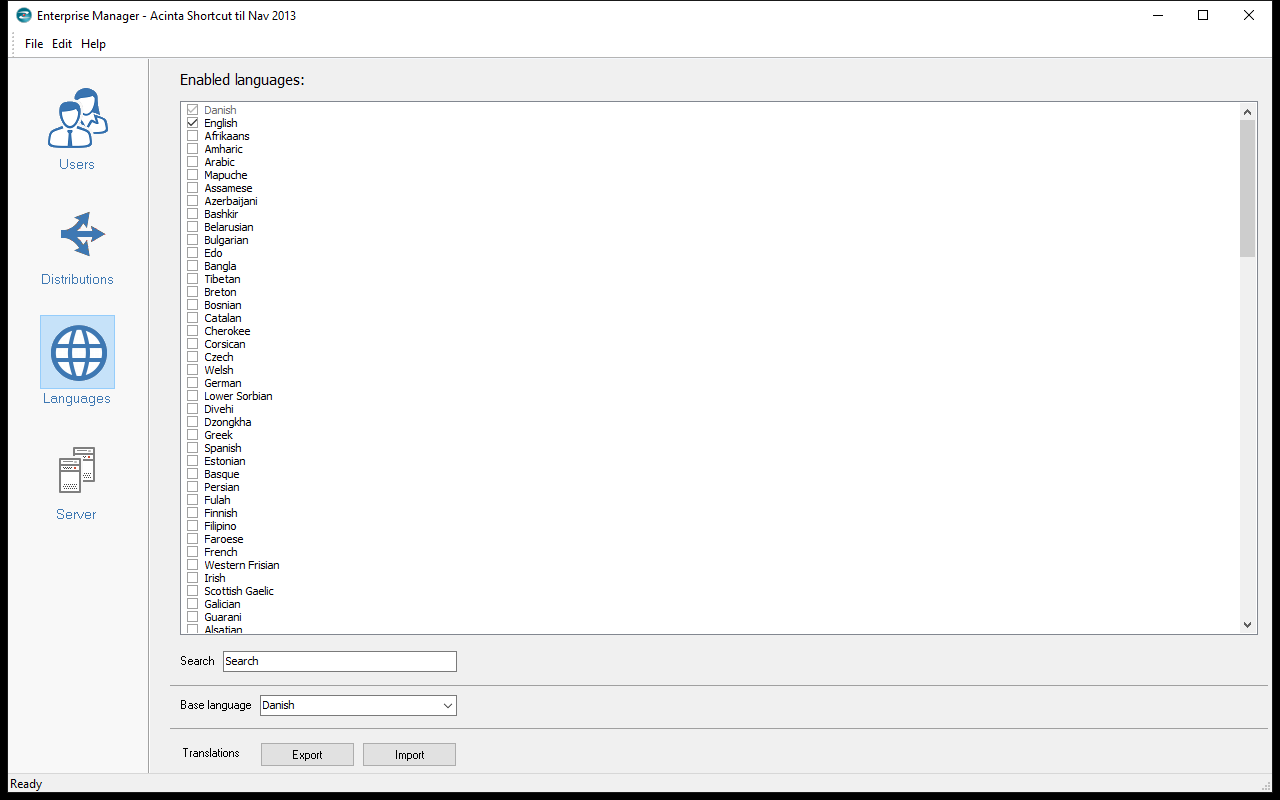
- Enabled languages: tick the languages users and translators can use. Unticking a language deletes all its translations – Enterprise Manager asks first.
- Base language – the language names are originally written in. Change it only when starting a project.
- Search filters the list.
Changes are saved when you leave the page. Translating is done in Modeller and Datashop – see 25.1 Translating the Data Model and 19.4 Translations. The Export and Import buttons under Translations don't work in the current version.
Server
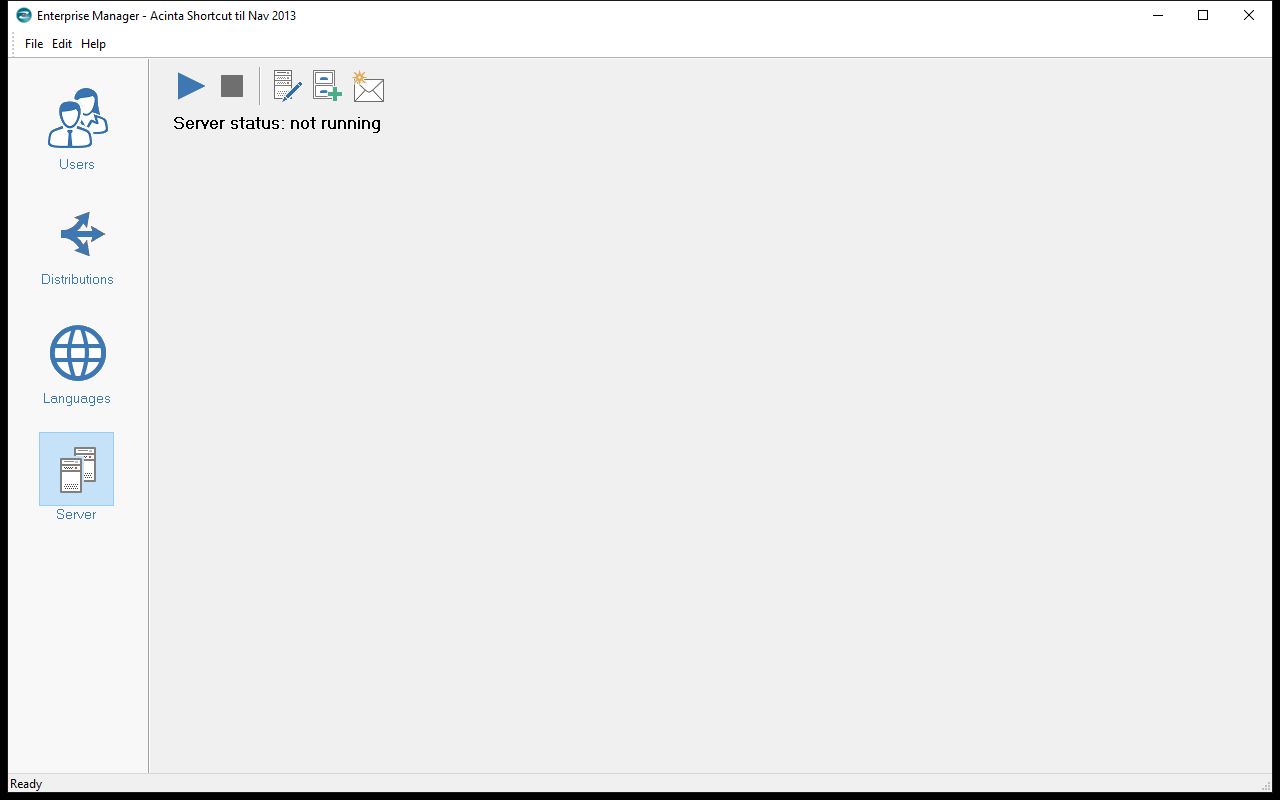
| Button | Does |
|---|---|
| Start server / Stop server | Starts or stops the Acinta Server service on this PC (needs Windows administrator rights) |
| Configure Server | Opens Project and mail settings – see 34.1 Email Delivery |
| Send test mail | Sends a test e-mail with the mail settings |
| Audit log settings... | Whether usage is logged, where and for how long – see 32.3 The Audit Log |
Server status shows whether the service is running, updated every few seconds. With the audit log on, it comes from Acinta Server itself and works for a server on another computer too, e.g. Acinta Server: running on SRV01 or Acinta Server: not running since today 06:12 (build 20228 and later). Acinta Server counts as running while it has reported to the audit log within the last 90 seconds. Without the audit log, it shows Server status: running or not running for the service on this PC.
Start server and Stop server always work on the service on this PC. If starting or stopping doesn't change the status, run Enterprise Manager as administrator or use Windows Services.
The Jump Start Wizard button doesn't work in the current version – don't use it, as it closes the open project.