5.1 What is a Workbook
A workbook is the common object for accessing data in your system through your data model. Workbooks are a generic tool that allows you to design dashboards, reports and displays/kiosk mode. Whether it's one or the other depends more on how you design and use it:
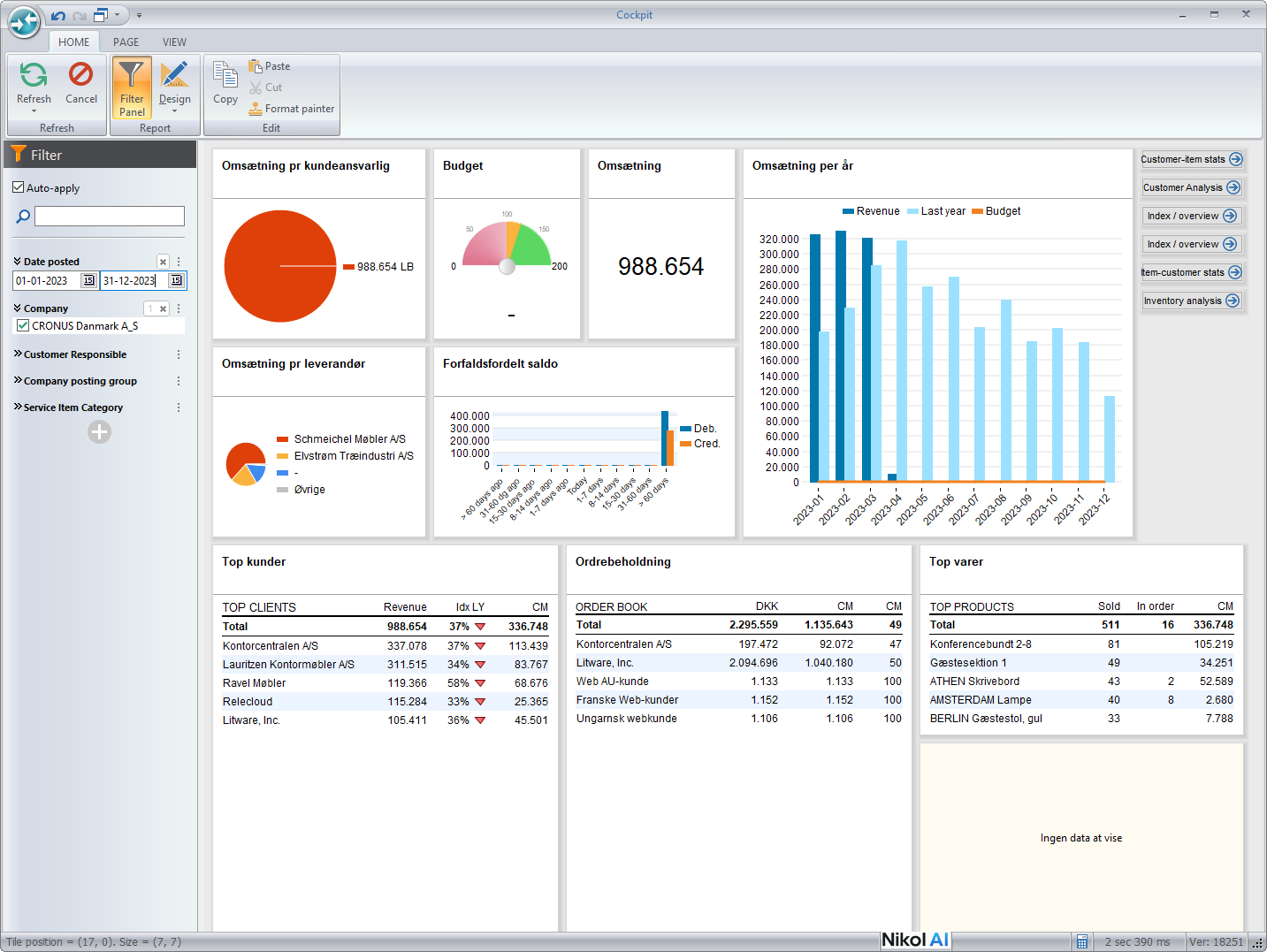
Dashboard
A Dashboard is a composition of different data visualizations that fit inside a single screen and serves a specific purpose, or has a specific audience. For example a dashboard can be designed for a sales person by collecting relevant information such as the sales person's open offers, unpaid invoices, sales performance, sales opportunities etc.
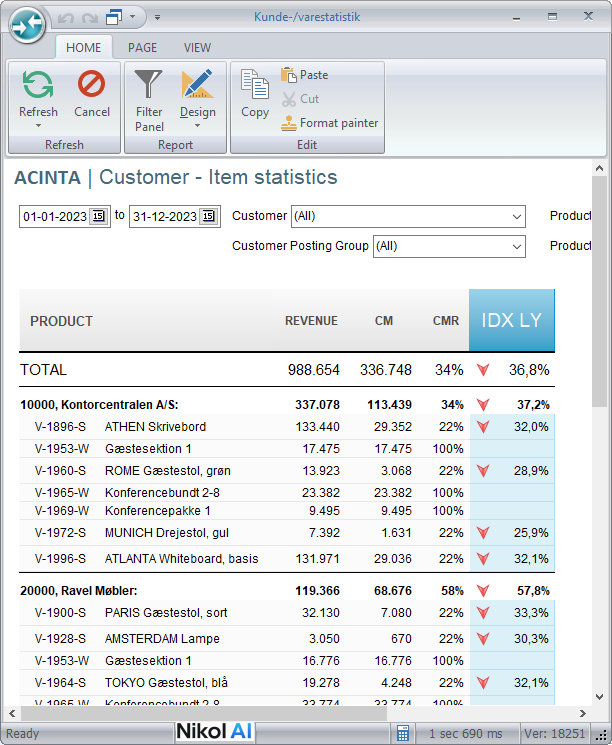
Report
A report is typically designed for printing or exporting to PDF. Reports are most often thought of as lists or tables, perhaps with some filtering options.
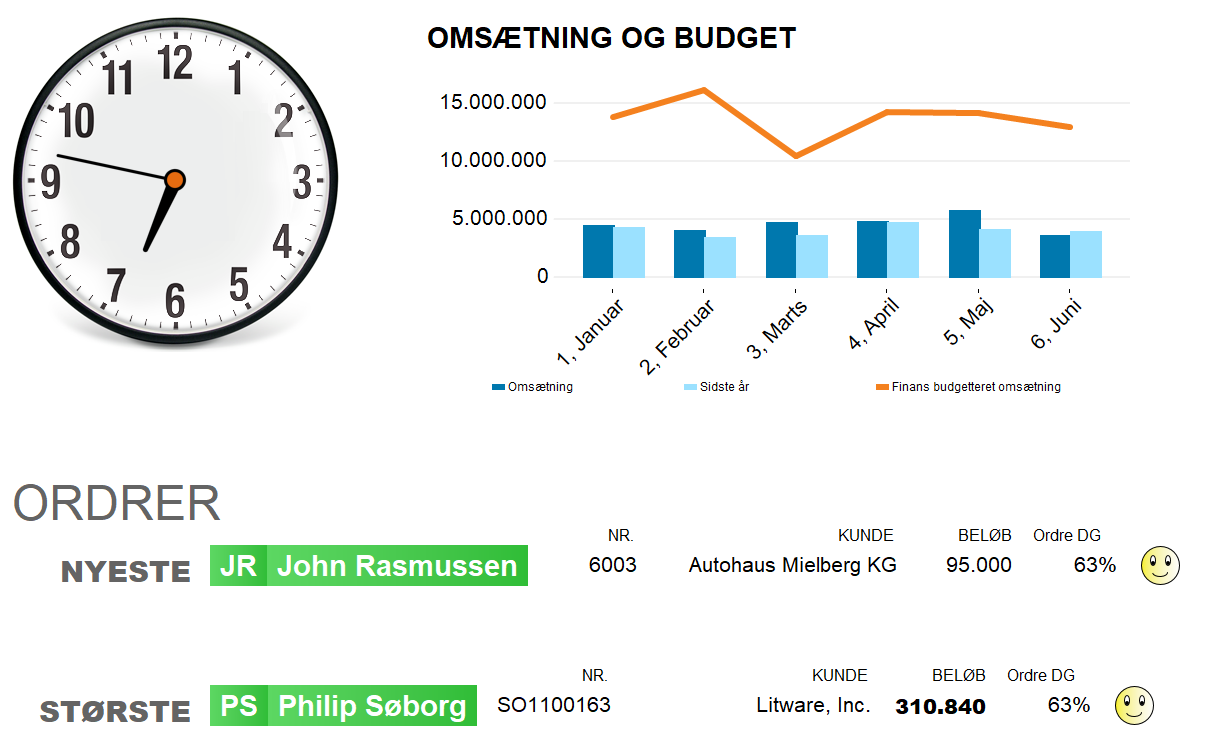
Display, kiosk-mode dashboard
A Display is an unattended dashboard used for displaying on a screen. Displays are typically show in full-screen mode, i.e. without toolbars, status bars or other application artefacts. Displays can auto-refresh content on custom intervals in order to always show updated and relevant information. Visuals can be organized across several tab-sheets that automatically rotate on a desired interval to shift between different information. This rotation along with animations make the display more vibrant and alive to viewers.
Tips – What is a Workbook
- Before you start designing your workbook, decide on its purpose and audience